Well, yesterday I got pissed of those Virtual Storage Console custom attributes.
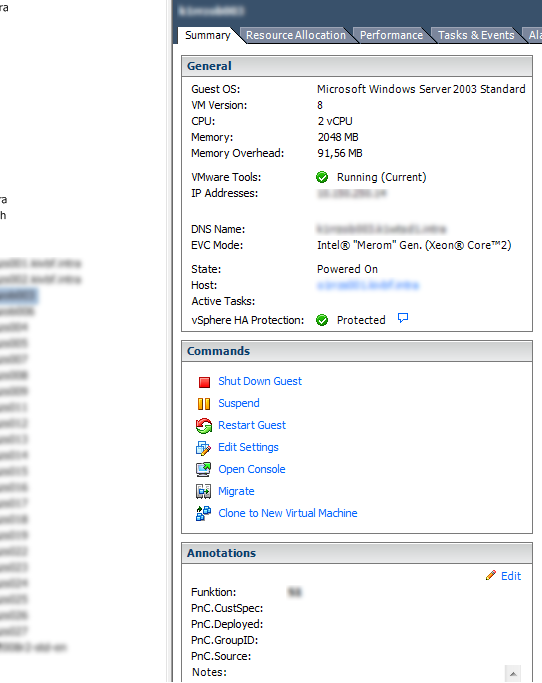 Currently we don’t use the Provisioning & Cloning feature of the VSC, thus we don’t need the custom attributes. After poking around, I decided to write a short PowerCLI script to do the task.
It’s really rather simple, so here goes:
 1
 2
 3
 4
 5
 6
 7
 8
 9
10
11
12
13
14
15
16
17
18
19
20
21
22
23
| param( [string] $vCenter )
# Add the VI-Snapin if it isn't loaded already
if ( (Get-PSSnapin -Name "VMware.VimAutomation.Core" -ErrorAction SilentlyContinue) -eq $null )
{
Add-PSSnapin -Name "VMware.VimAutomation.Core"
}
If ( !($vCenter) )
{
Write-Host
Write-Host "vcenter-remove-vsc-attributes: <vcenter-server>"
Write-Host
Write-Host " <vcenter-server> - DNS name of your vCenter server."
Write-Host
exit 1
}
Connect-VIServer -Server $vCenter
Remove-CustomAttribute -CustomAttribute "PnC.CustSpec", "PnC.Deployed", "PnC.GroupID", "PnC.Source" -Confirm:$false
Disconnect-VIServer -server $vCenter -Confirm:$false
|