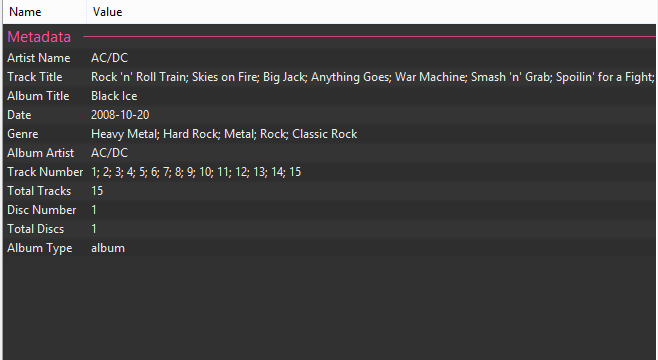
I’ve been cleaning up my music library the past few days (well, I bought a Sonos 😀), so here’s how you display for example the tagging field MUSICBRAINZ ALBUM TYPE in foobar2000’s default metadata view.
- Goto preferences (Ctrl+P or File->Preferences)
- Navigate to Advanced
- Extend the Display node, extend Properties Dialoge node
- There you’ll find the option for Standard fields
- Change it to the following:
| |
After changing the Standard fields option, the metadata view will look like this: